Guitar Recording Software for Mac and PC
Capture ideas at the moment of inspiration. Create songs easily with drums and effects.
Capture ideas and create songs easily with a riff-based workflow, loop recording, automatic track creation (24 tracks), 7 guitar-oriented effects, support for amp models (AmpliTube, PodFarm, StudioDevil and others), 9 InstantDrummers (expandable), REX player, ReWire mixer, export and more. Stay in the creative flow with tools that look like gear, and create complete songs without putting down your guitar!
RiffWorks makes playing and recording music fun!
*Notice: RiffWorld.com, RiffCaster song posting, and RiffLink online collaboration have been disabled. See RiffWorld forum for details.
RiffWorks T4 free download is temporarily unavailable. Ask to be notified when it's available: support@sonomawireworks.com
"RiffWorks is a clever, lightweight application that mirrors the creative process of song writing."
Dan Halberg, GuitarGearHeads RiffWorks Review
Important Notice: RiffWorld.com, RiffCaster song posting, and RiffLink online collaboration have been disabled. See RiffWorld forum for details.
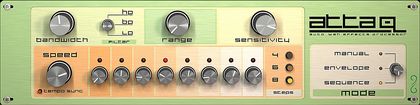
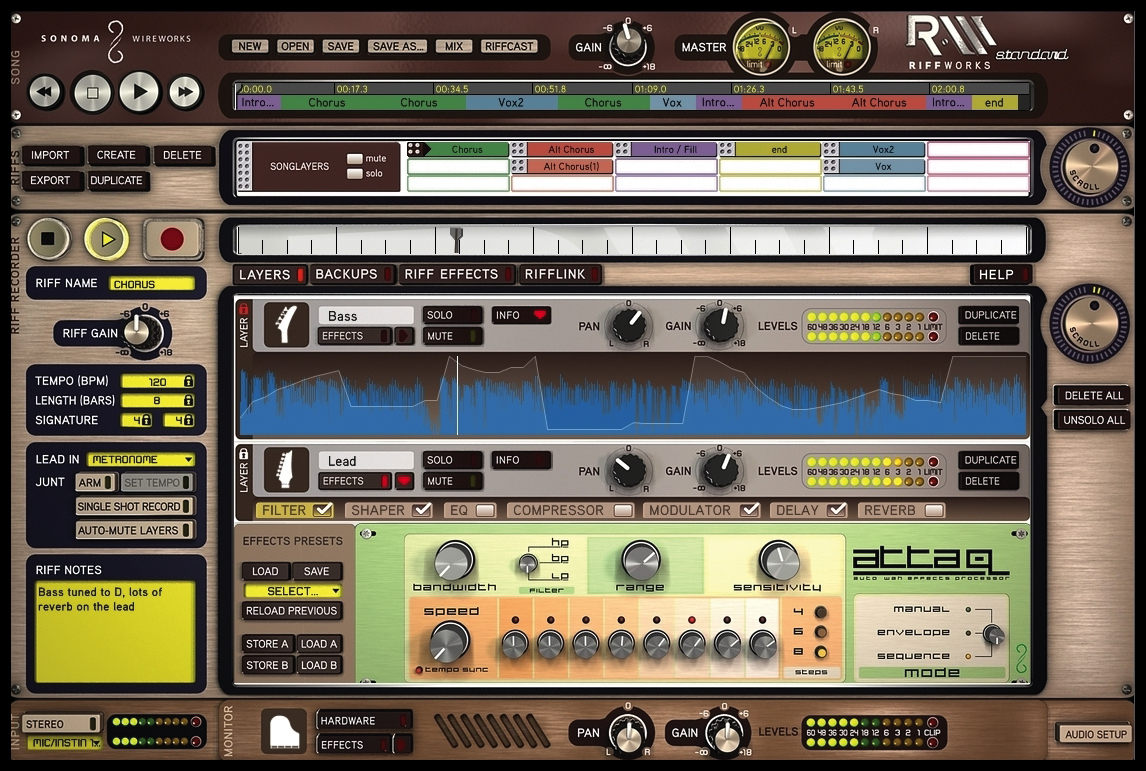
Attaq is the ultimate Auto-wah filter effect. With Manual, Envelope or Sequence modes you can create wah effects from subtle to wild based on picking strength or a pattern.
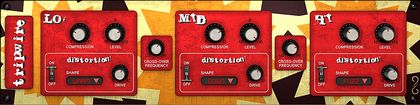
Tripwire is a three-band compressor and distortion that can be used for everything from traditional low-mid-high eq to advanced frequency dependent compression and expansion, to insane pitch shifted distortion.
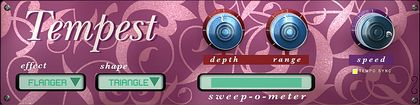
Tempest is eight modulation effects in one unit. With selectable wave shapes and full control over range, depth and tempo-syncable speed, it is extremely flexible without being overly complex.
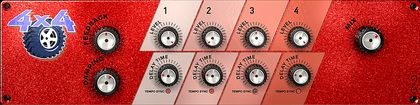
4x4 is more than your average multi-tap delay. It actually uses 4 discreet delay lines with separate control over tempo-syncable delay time. With the adjustable feedback damping, you go from warm tape-echo sounds to bright digital delay sparkle.

Supertanker reverb comes with spring and plate style reverbs and allows you to adjust the size and damping of the reverb.
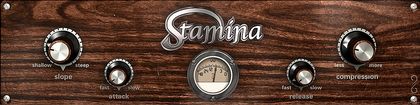
Stamina is an optical style compressor that is perfect for tightening up a performance or getting radical pumping effects.
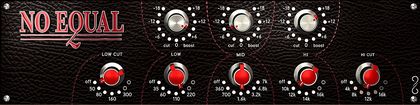
No Equal has traditional British EQ controls which are great for dialing in silky smooth frequency changes, without harsh peaky artifacts.
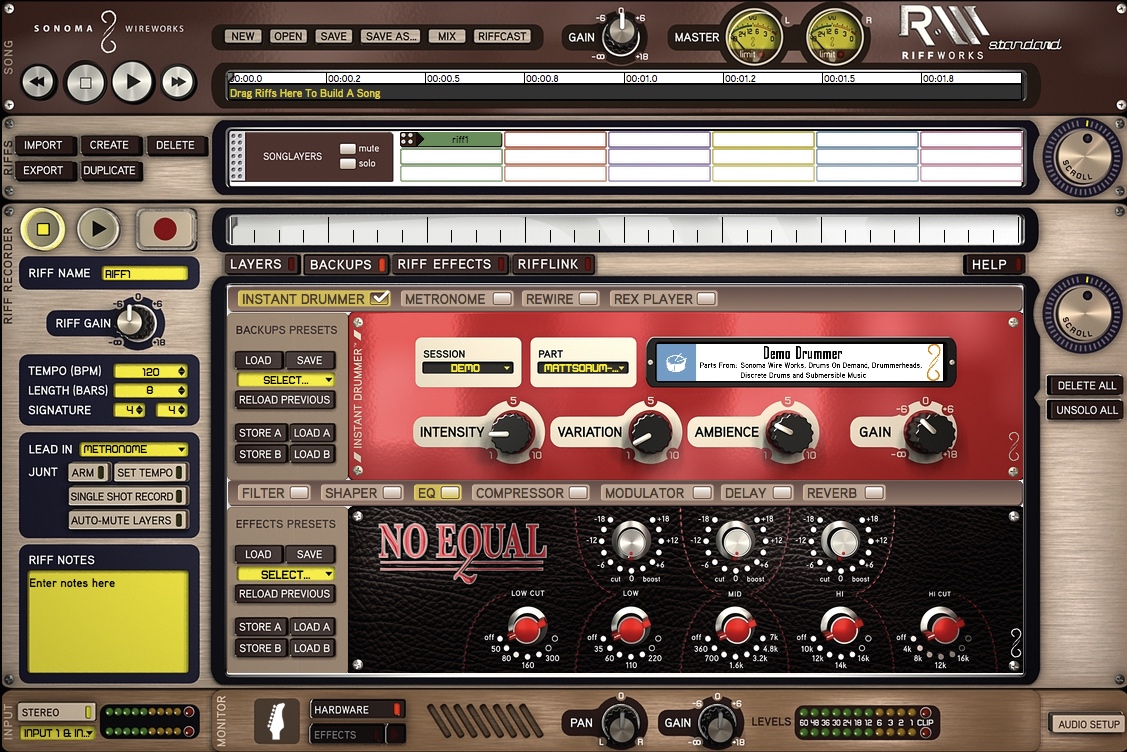
InstantDrummer provides tempo-sycronized drum loop sessions that can be accessed easily from within RiffWorks guitar recording software. Most RiffWorks InstantDrummer Sessions are loop recordings of professional drummers brought into the InstantDrummer format for easy manipulation by RiffWorks users. Play along with InstantDrummer sessions by famous drummers like Alan White (Yes, Lennon), Jason McGerr (Death Cab for Cutie), John Tempesta (Rob Zombie, Exodus, Testament, Tony Iommi, The Cult), Lonnie Wilson (Brooks and Dunn, Faith Hill, Tim McGraw), and Matt Sorum (Guns N Roses, Velvet Revolver). Use them in your recordings royalty free!
Listen to previews and find more than 100 InstantDrummer sessions ($0 - $4.99 each) to use with RiffWorks T4 and RiffWorks Standard.
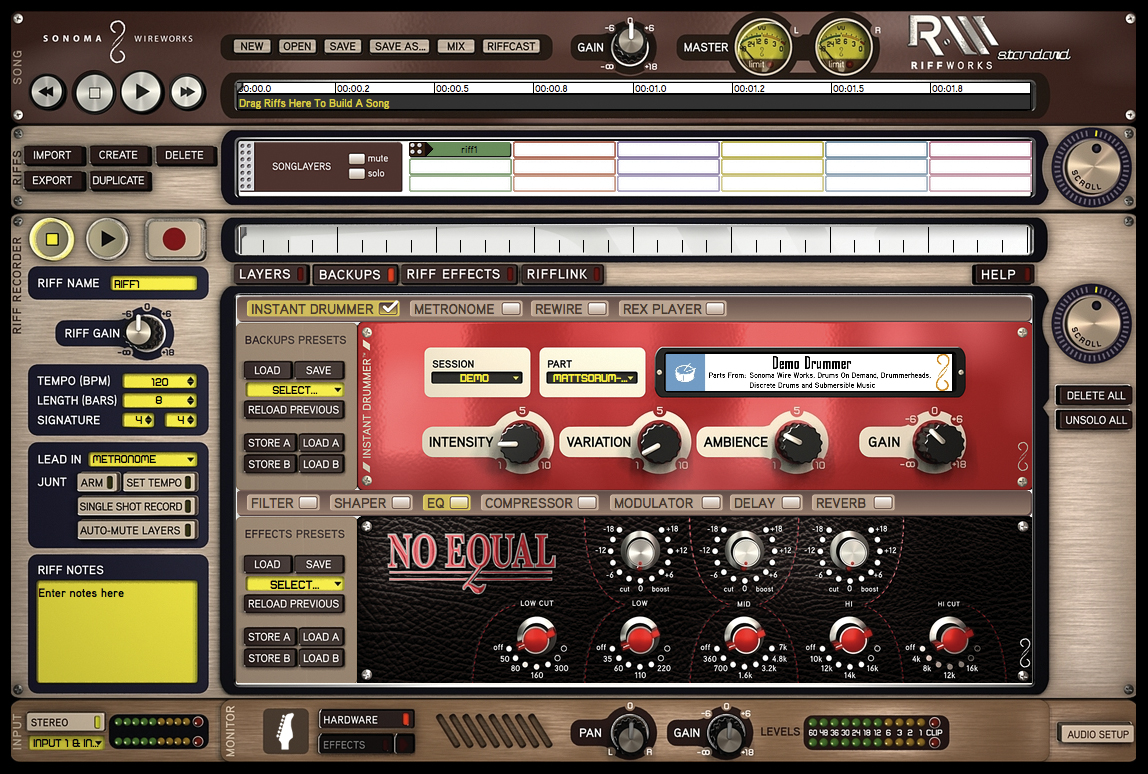
Pick a groove, count off a tempo, and InstantDrummer inspires you to play along with continuously varying drum tracks using perfectly matched, full kit studio drum recordings.
Spin the INTENSITY knob to set the mood from mellow to aggressive. Dial in some VARIATION to get a constantly evolving beat. AMBIENCE adds room sound and GAIN sets the level. No tedious editing or disappointing sounds, just a great drummer, ready to jam. Add and adjust drums as you record or after you finish recording.
1 InstantDrummer Session Included in RiffWorks T4 (T4 is Temporarily Unavailable):
Demo InstantDrummer
9 InstantDrummer Sessions Included in RiffWorks Standard:
Afro Island Grooves: Sonoma
Bare Bones: Discrete Drums
Habanero Groove: Drums On Demand
Half Nelson: DrumsOnDemand
Matt Sorum Basic: DrumCore
Mekanic Beats: Sonoma
RAW Funk Grooves: Sonic Reality
Trash Funk: Sonoma
When I Drum Around: DrumsOnDemand
3 Free InstantDrummer Sessions Included in the Store:
Free Discrete Drums Demo RWID
Free Drawn N Quartered
Free DrumCore Demo RWID
SYSTEM REQUIREMENTS FOR RIFFWORKS STANDARD & RIFFWORKS T4 v2.6.6
1 GB of RAM
1 GB of disk space free for installation
5 GB of disk space free for recording
Activation requires a reliable internet connection - Broadband (DSL, cable, etc.) recommended
Appropriate beverages
Windows:
Pentium 4 or better
ASIO driver capable audio interface (Details)
Win XP SP 2, SP 3, Vista, Win 7 and Win 8
Mac OS:
Intel Core Duo or G5 Power PC
Core Audio input device - some do not have one built-in (eg. MacMini)
Mac OS X 10.4, 10.5, 10.6, 10.7, 10.8 and 10.9 (Mavericks)
"DrumCore is so handy and so very easy to use! It's very close to having a live drummer with you."
Learn more about DrumCoreAnthony Gonzalez of M83
"I'm obsessed with this recording app on my iPhone- the Sonoma Wire Works FourTrack. It's like you have a superpowerful studio in your pocket."
Learn more about FourTrackTrey Anastasio of Phish
"Just tried out Sonoma Wire Works GuitarJack plus the new upgraded FourTrack app. Beautiful crystal clear sparkling audio in iOS!"
Learn more about GuitarJackJordan Rudess of Dream Theater
"RiffWorks is an incredible tool to get songs done stupid fast!"
Learn more about RiffWorksJohnny "Juice" Rosado of Public Enemy